Random photo
Use a width and height in pixels, or one number for a square. For example, /640 makes a 640 × 640 photo. The random image generator chooses a photo on each request. Use the URL in an image tag or open it in a browser.
Real photos, at any size.
Type a size, get a photograph. A random image generator with 10,000 CC0 photos for layouts and prototypes.
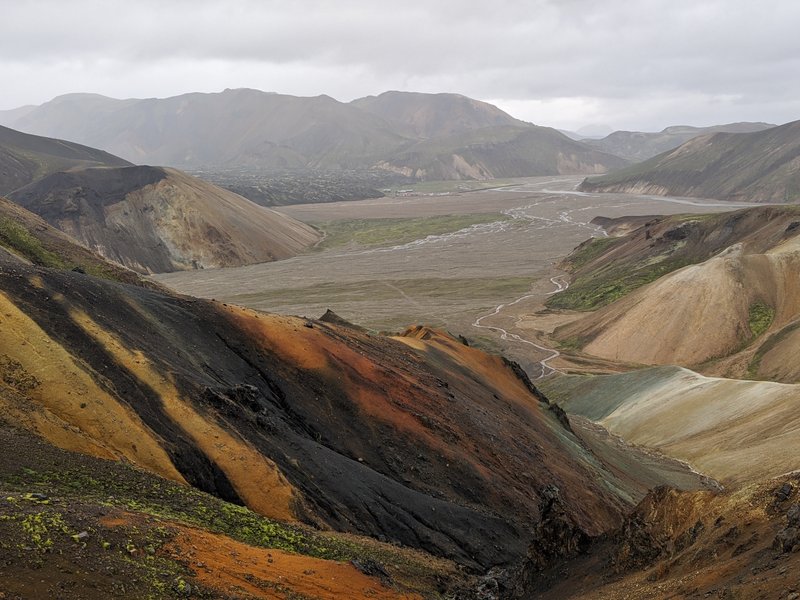 id 179363399 · 800 × 600 · JPG · CC0
Every random image in the Picsum collection is a real CC0 photograph. Browse the Lorem Picsum contact sheet by category or tag, then send any photo to the random image generator above to crop it at the size you need.
API
The Picsum image API needs no key and no sign-in. Put the width and height in the path for a random image, then add a tag, seed or effect as a plain parameter.
Paste the API docs, including every image category, into Cursor, Claude Code or any AI IDE.
<!-- random photo, 800 × 600 -->
<img src="https://picsum.org/800/600"
     width="800" height="600" />

<!-- same photo every time -->
<img src="https://picsum.org/seed/studio/800/600.webp" />Use a width and height in pixels, or one number for a square. For example, /640 makes a 640 × 640 photo. The random image generator chooses a photo on each request. Use the URL in an image tag or open it in a browser.
Use tag for a subject and category to narrow the selection. Send the same filters to /v2/list to see the matching photos.
Add a seed when a mockup needs to look the same when you reopen it. The same seed selects the same source even if you change the requested dimensions. The seed doubles as a subject word: /seed/cat picks a stable cat photo, and a seed that matches no tag falls back to a stable pick from the original collection. Add category to narrow the pool further. Use /seed/{seed}/info to read the photo a seed selects.
Grayscale is useful when you want to judge contrast without color. Blur takes an integer from 1 to 10 and works well behind text or while you are testing a loading skeleton. You can combine both effects. The changes are included in the downloaded image and in the photo served by the copied link.
JPEG is the default. Add .webp when you need to test a WebP pipeline or give your prototype a smaller file. The format is explicit in the URL, so the same link serves the same format in a browser, a build tool, or a test runner. Switch formats without changing your seed or crop.
Try 640 × 640 for a square tile, 1200 × 800 for a wide content block, or 600 × 800 for a portrait. The random image generator centers the crop and fills the requested dimensions. Set width and height in your HTML so the browser can reserve space while the photo loads.
Use a random URL to test how a layout handles different subjects. Copy image link gives you the photo ID, size, format, and effects from the preview. Use it to share a design review, reproduce a visual bug, or stabilize a screenshot test. Write alt text that fits how the photo is used.
Photo records include the ID, dimensions, category, tags, credits, and download URL. The list defaults to 30 results per page. Use the Link header to browse and Picsum-Total to get the full match count. Open /id/{id}/info for one record.
Lorem Picsum is a random image generator with the controls a design review actually needs.
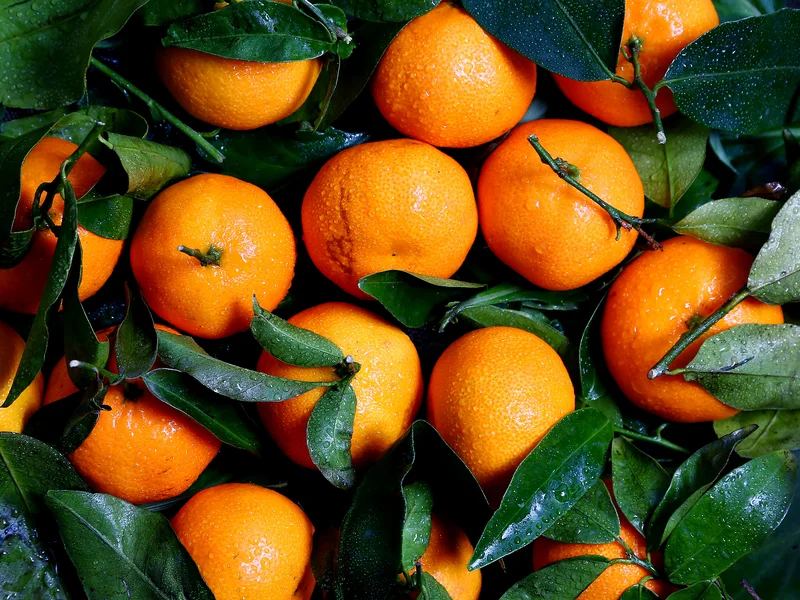
Apply grayscale and blur to any Picsum photo to judge contrast, test loading skeletons and put text on top.
A Picsum seed returns the same random image every time, across design reviews and screenshot tests.
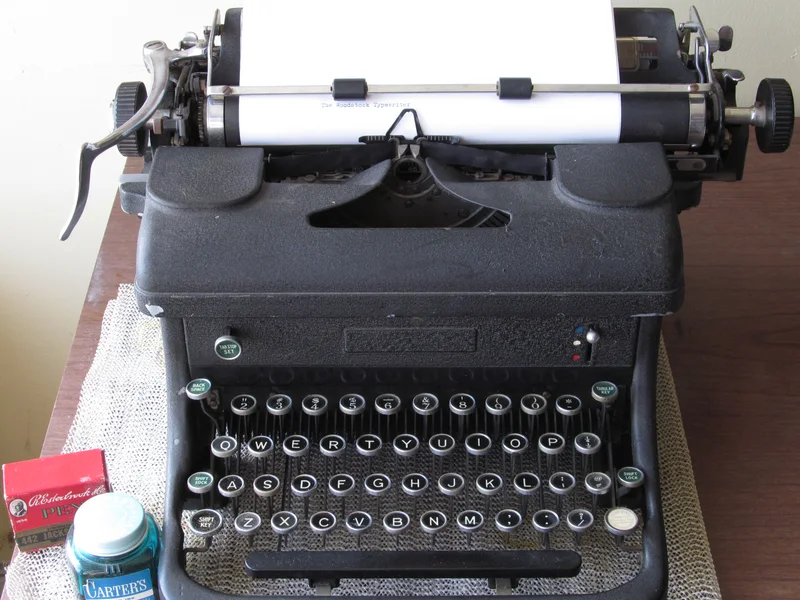
Switch the random image to WebP with one extension. The crop is centered and exact.
Use cases
Anywhere a layout, a demo or a test needs a real photo at an exact size.
Fill cards, heroes and galleries with believable photos instead of grey boxes, so reviewers judge the layout and not the missing content.
Use a seed URL so every component story shows the same image after each rebuild, and visual diffs stay clean.
Repeatable seeds, exact dimensions and no key to manage make Picsum a stable fixture for Playwright and Chromatic runs.
Paste a one-line URL into a README, a CodePen or a course lesson. CC0 photos mean you can publish the example anywhere.
Ship starter kits, CMS themes and email templates with live demo images that load at the exact size the layout needs.
Let Claude Code, ChatGPT or Cursor build a page with real photos: copy the API docs as Markdown or connect over MCP.
Picsum is a placeholder photo service. Lorem Picsum pairs a random image generator with real CC0 photographs, so designers and developers can fill layouts with believable pictures instead of grey boxes. Choose a width and height, copy the link, and every Picsum URL returns a cropped photo at exactly that size.
Enter a width and height, pick a category if you like, and the random image generator chooses a matching photo from the Lorem Picsum collection. Each random image is cropped from the original, so it fills your dimensions without stretching. Add a seed to repeat a result or a tag to narrow the subject.
A random image is ideal for prototypes, wireframes, empty states and screenshot tests because nothing needs licensing or hand picking. Picsum photos are CC0, so you can ship a mockup, a demo or an open source example without chasing permissions.
It selects a photograph from the Lorem Picsum collection and serves it at the pixel dimensions you choose. The real photos work as placeholders in wireframes, prototypes, demos, and test fixtures.
An unseeded URL can choose a different photo on a new request. Repeated random requests may occasionally select the same photo. The Shuffle photo button excludes the current photo when choosing another. Use a seed to make a choice repeatable within the collection, or copy an ID-based URL if you need to pin a specific photo.
The placeholder photos in this collection are designated CC0. Each photo links to its source and identifies the creator, so you can check the original record and give credit if you wish.
The API supports widths and heights from 1 to 2000 pixels. The four presets are ready in JPEG and WebP. The four presets are free and need no sign-in. A custom size, grayscale or blur costs 1 credit per photo and size, charged once to your account when you generate it signed in on this site, through the MCP server, or with an API key. Without one, the request returns the nearest preset. If processing is temporarily unavailable, choose a preset with grayscale and blur turned off.
Yes. Put the image URL in the src attribute of an img element and give it width, height, and alt attributes appropriate to the page. An ID link is convenient when you have selected a specific image. For final published work, downloading the image lets you manage hosting and caching with the rest of your assets.
This is an independently operated service inspired by the open-source Picsum Photos project. The URL patterns follow its common conventions for dimensions, seeds, and IDs. This site has its own photo collection and its own IDs.
Sources: photos are released under the Creative Commons CC0 1.0 dedication; the placeholder-image idea follows the Lorem ipsum tradition of dummy text. Maintained by the Lorem Picsum team. Last updated .